Package setup
Use Package Setup to define how new packages are numbered and which status template they start with. Set this up before you create packages.
Set up packages
- Choose the
 icon, enter Package Setup, and then choose the related link.
- In Package Nos., select the number series for new packages.
- In Package Status Template, select the status template that new packages receive.
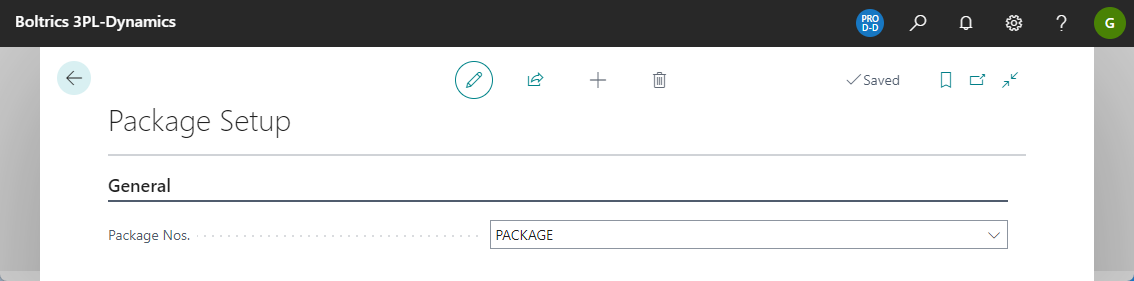
The page opens as a single setup record. You can't add or delete records. If the record doesn't exist yet, it's created when you open the page.
How the setup is used
- Number series: When you create a package without entering a number, the next number from the Package Nos. series is assigned. If Package Nos. is empty, you get an error. When you assign a number from the number field, you can choose among the series related to the one set up here.
- Status template: A new package gets the status template from Package Status Template. The package then starts with the initial status of that template. For more information about status templates, see Status templates.