Trip Stop Types
General
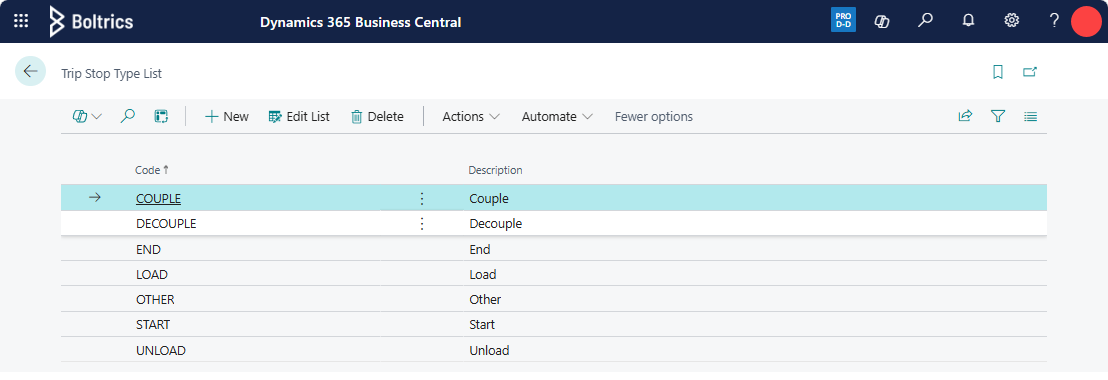
On this page the Trip Stop Types can be set. Trip Stops will be shown as a stop on the Visual Planning Timeline. By setting a Trip Stop Type on a Activity the number of activities shown on the Visual Planning Timeline can be influenced.
Actions
New: Adds a new line above the currently selected line.Edit List: Switches between edit and view mode.Delete: Deletes the selected line.Actions: Opens the Actions menu.Initialize: Starts the initialization of the Stop Types.
Fields
Code: The code of the Stop Type.Description: The description of the Stop Type.
Tip
After initializing the Trip Stops, apply the Trip Stop values to the Trip Stop column on the Activity List page.